Let’s talk about those little black-and-white pixelated squares that seem to be everywhere lately: QR Codes.
Although they’ve been around since the late 90s, the pandemic saw them soar in everyday life. Now, you can hardly go to a restaurant without needing to scan for a menu! They’re on bus seats, posters, and even in adverts (my own included!). But as they become more common, so do the risks.
The Good: Convenience at your fingertips
The “QR” in QR code stands for “Quick Response”. Their purpose is simple: to save you from typing in a long, complicated web address into your phone. When they’re used correctly – like on a menu at a trusted local pub, or a flyer from a known organisation, they are brilliant tools. They can take you straight to a booking form, payment page, or website with more information.
The Bad: The “Lamp Post” Trap
The problem is that anyone can create a QR code in about 30 seconds. Have you ever seen a random QR sticker on a lamp post or bus stop promising ‘cheap train tickets’ or ‘win a prize’?
These stickers can be placed by anyone. A common trick is for scammers to stick a fake QR code directly over a legitimate one – for example, on a public parking ticket machine. You think you’re paying for your parking, but you may end up sending your personal details straight to a fraudster.
The Ugly: How These Scams Work
QR Code scams are called Quishing (QR Phishing). A malicious code might trigger your phone to download a file, send an email, or reveal your location. Because we can’t “read” the code with our human eyes, we have to trust that the destination is safe.
How to Stay Safe: The Test Run
The best way to stay safe is use your eyes before you use your camera. Here are three simple rules:
- Check for Tampering: If a QR code looks like a sticker with the backing peeled behind, or stuck over the top of a permanent sign, leave it alone.
- Preview the Link: When you point your smartphone at a QR code, a small link usually pops up on the screen before you click it. Take a second to look at it. Does it look like a real website (e.g., iriswebmedia.co.uk), or is it a random sequence of nonsense letters? Does it end in .com or .co.uk, or does it point to a different country code that doesn’t match up?
- When in Doubt, Type it out: If you’re at a parking machine or restaurant, just type the website address into your browser instead, or ask a member of staff to check if it looks suspicious.
Give it a go!
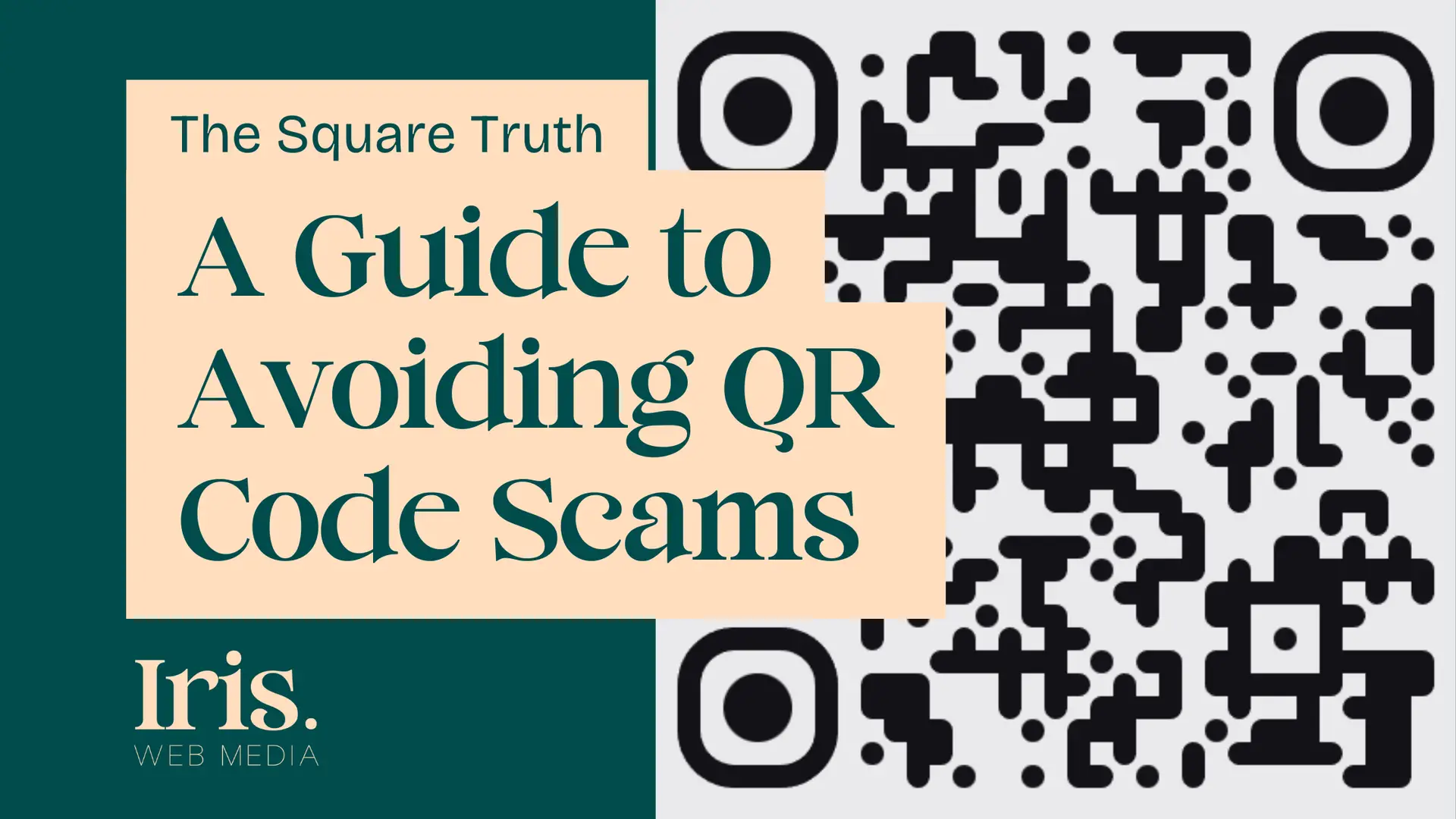
You’ll notice a QR code on my Iris Web Media advert here. I promise it’s safe! Use it as a risk-free test run. Open your camera, hover over the code, and look at the link preview that appears. You’ll see it points clearly to my website. If the preview matches what you expect to see, you’re usually good to go.